
AI Automation Academy
Free download
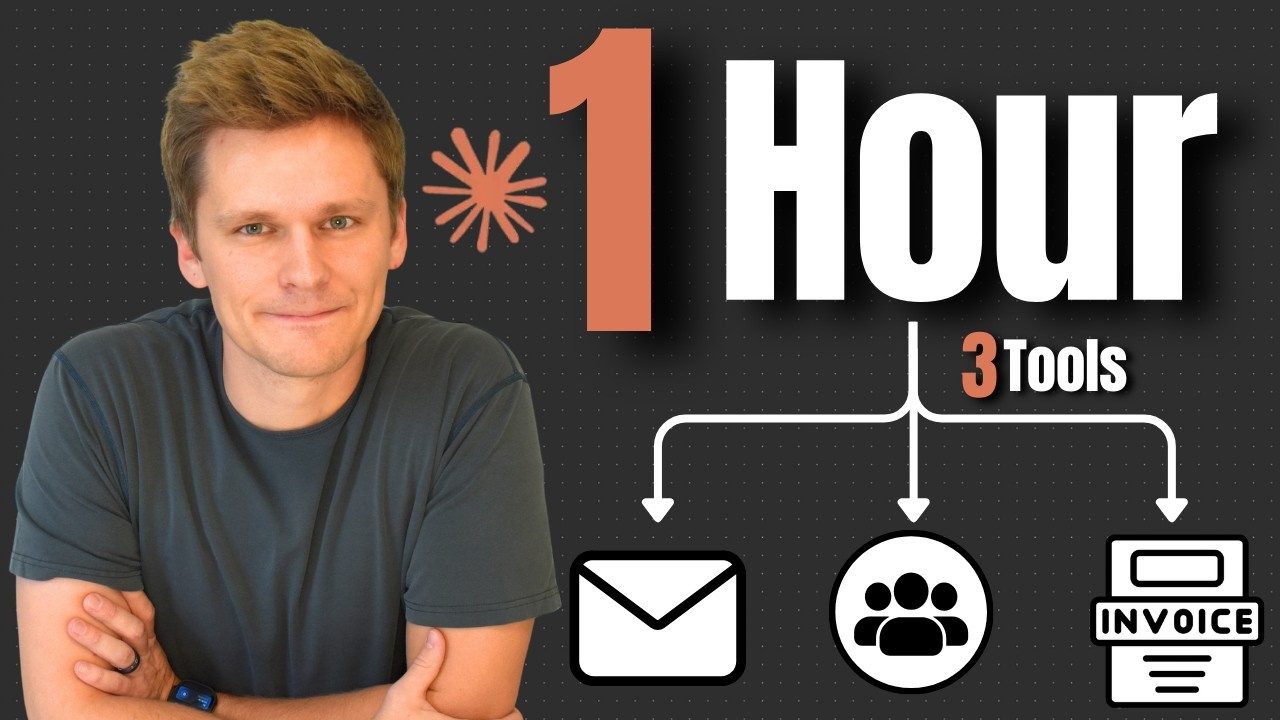
I built 3 tools in 1 hour with Claude Code
Here is the one I built on camera, finished. A daily AI newsletter that reads Reddit and the big AI newsletters and emails you the ten best stories.

Marty VaughnAI Agents on YouTube
Just watched the newsletter build? This is it, finished. The whole project folder from the video, so you can skip the hour of building and go straight to running it. Three tools got named in that video and this is the one built on camera.
The problem with keeping up
There is more happening in AI every week than anyone can read, and the normal answer is to subscribe to five newsletters and follow four subreddits. Then you have five newsletters and four subreddits, which is more inputs rather than fewer, and the good stuff is spread thin across all of them.
This collapses them into one email. It reads all of the sources, ranks every story against every other story regardless of where it came from, throws away the job posts and the weekly threads, and keeps ten. One thing to read, and it takes about two minutes.
You:  Run the AI trends digest.

Claude:
      Fetching 4 sources...
        r/AI_Agents            15 posts
        r/MachineLearning      15 posts
        The Rundown AI         10 posts
        The Neuron             10 posts

      35 posts analyzed, 28 passed filtering, top 10 selected
Digest built and sent to you@gmail.comWhat is in the download
- The whole project folder. Not a template to fill in. The finished thing from the video, with the four scripts that do the work and the instructions Claude reads to run them.
- A setup guide. Seven steps, written for somebody who has never opened a code editor. The longest part is Google's 2-step verification screens.
- The CLAUDE.md that makes it work. Worth reading on its own. It is not specific to newsletters, and once you have read it you can point the same structure at almost anything.
What you can do with it once it runs
- Change the sources. "Add r/LocalLLaMA." Or replace the AI newsletters entirely with ones from your own industry. Nothing about this is really about AI; it ranks RSS feeds, and almost everything has an RSS feed.
- Change how it ranks. Five components, all written out in plain English in the file Claude reads. "Weight the newsletters higher." "Drop anything older than two days."
- Change how it looks. Screenshot a newsletter whose design you like, drag it into the folder, say "make it look like this." That is what the video does, and it works better than describing it.
What you need
Visual Studio Code, which is free, and the Claude Code extension on a paid Claude plan. Python 3, which your Mac already has and which Windows needs a five-minute install for. And a Gmail account, because that is what sends the email.
Use a personal Gmail rather than a work one. The setup needs an app password, and a Google account managed by an IT department often blocks those outright. That is the one requirement here that can stop you cold, and it stops you four screens in rather than at the start.
What it costs to run
Nothing beyond the Claude plan. There is no API key anywhere in this, which is the part worth noticing: everything comes in over public RSS feeds and goes out through your own Gmail, so there is no account to open, no free tier to sign up for, and no bill that grows. Gmail lets you send around 500 messages a day and you are sending one.