
AI Automation Academy
Free download
I taught Claude to edit my videos
Drop in your raw footage. Get back a first cut with the retakes, stumbles, and dead air already gone.
The kit is on the next page.

Marty VaughnAI Agents on YouTube
Just watched the video where Claude edits my videos? This is the kit from it. Claude sets it up for you in a few minutes, and after that you get a cut by asking for one.
What it actually does
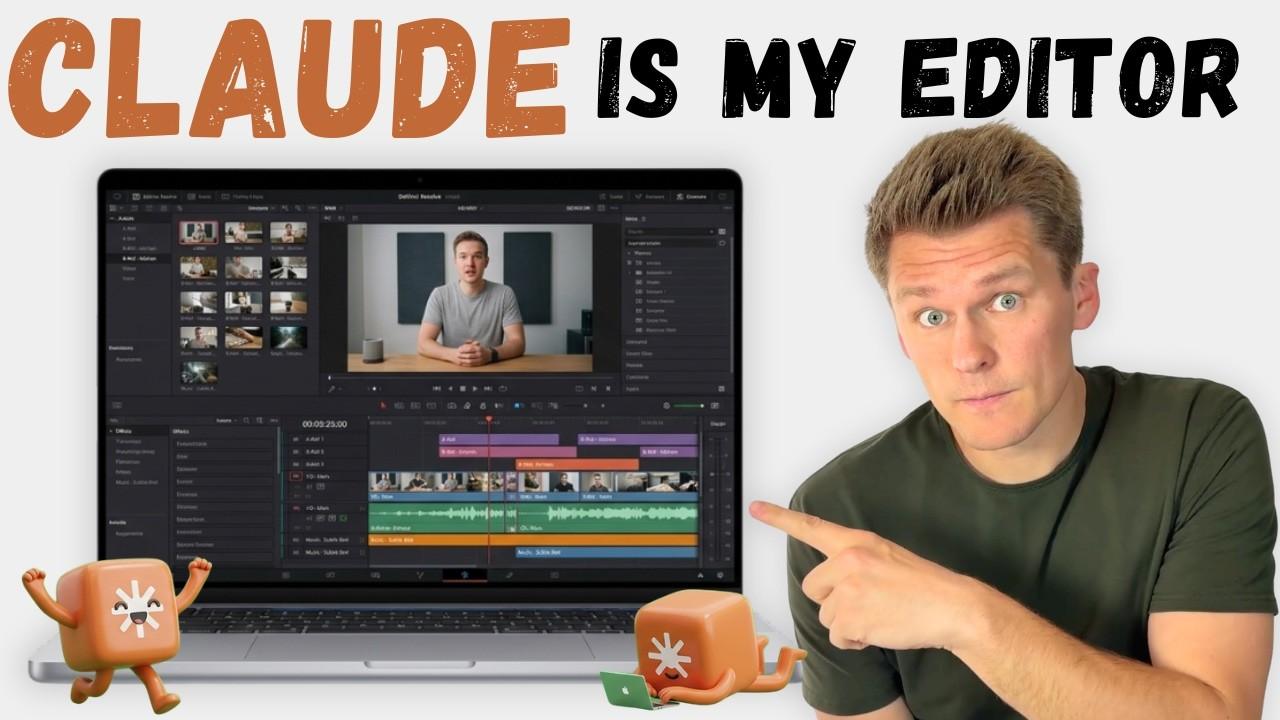
Every talking-head video starts with the same boring pass. Listen back, cut the retakes, cut the stumbles, cut the ums, cut the ten seconds where you lost your train of thought and stared at the ceiling. I spent hours on that every week and got sick enough of it to hand the whole pass to Claude. It writes out every word you said, works out which parts are worth losing, and builds you a timeline that opens in DaVinci Resolve with the cuts already made.
In the video I run it on a real recording, and it takes out 74% of the footage I would have had to scrub through myself. What is left turns editing into more of a review than a full edit session.
Nothing is ever deleted from your footage. A rough cut is a head start, not a decision. Every clip is still whole underneath, so if it trimmed something a touch too tight you drag the edge back out and carry on.
You: Make a rough cut.

Claude: Transcribed 22 minutes. Cut 41 retakes, 96 filler
        words, and 3:40 of dead air. Your timeline is in
        rough-cut/output, ready to import into DaVinci.
What you can do with it
- Skip the pass nobody enjoys. The retakes, stutters, and silences are gone before you open the timeline, so the first thing you do in DaVinci is the creative part rather than the tedious part.
- Stay in the software you already use. The cut is built inside DaVinci Resolve, so there is no new editor to learn and nothing to move your project into.
- Get a transcript of the finished video. Not the raw recording, the final cut, with timestamps that match what viewers actually see. That is show notes and YouTube chapter markers without retyping anything.
- Teach it what you keep. Once you have finished an edit, it compares your version against its own and learns the calls you made, so the next rough cut is closer to how you would have done it.
What you need
- A Mac. This one is Mac only as it comes, and that is worth knowing before you get your hopes up. On Windows it will not run out of the box. The one Mac-specific piece is how it pulls the audio out of your file, so it is a small change to make, but from my experience Claude should be able to make the adjustment for you.
- DaVinci Resolve. The free version is all it needs. That is where your cut timeline opens.
- A free Deepgram account. Deepgram is the service that listens to your audio and writes down the words. Making the account is the one part that is yours; Claude handles everything else.
You do not touch any code. Claude does the whole setup while you answer its questions, and the only thing you personally do is paste one key where it shows you.
What it costs to run
When this video was made, a new Deepgram account came with $200 of free credit, and transcribing runs about ten cents for a twenty minute recording. That is hundreds of videos before you spend anything of your own, so in practice most people never do. Claude shows you the cost and waits for a yes before every single run, so nothing is ever spent behind your back.
Already subscribed? Enter your email anyway. You land on the same page with the same file, and you will not be added twice.